
 Asleep
Getting started · A name, birthday and photo
Add your child without an account and log the first entry right away.
A day of feeding, sleeping and growing
From the last feed to the latest nap — log the day in a few taps and see your baby’s rhythm at a glance.
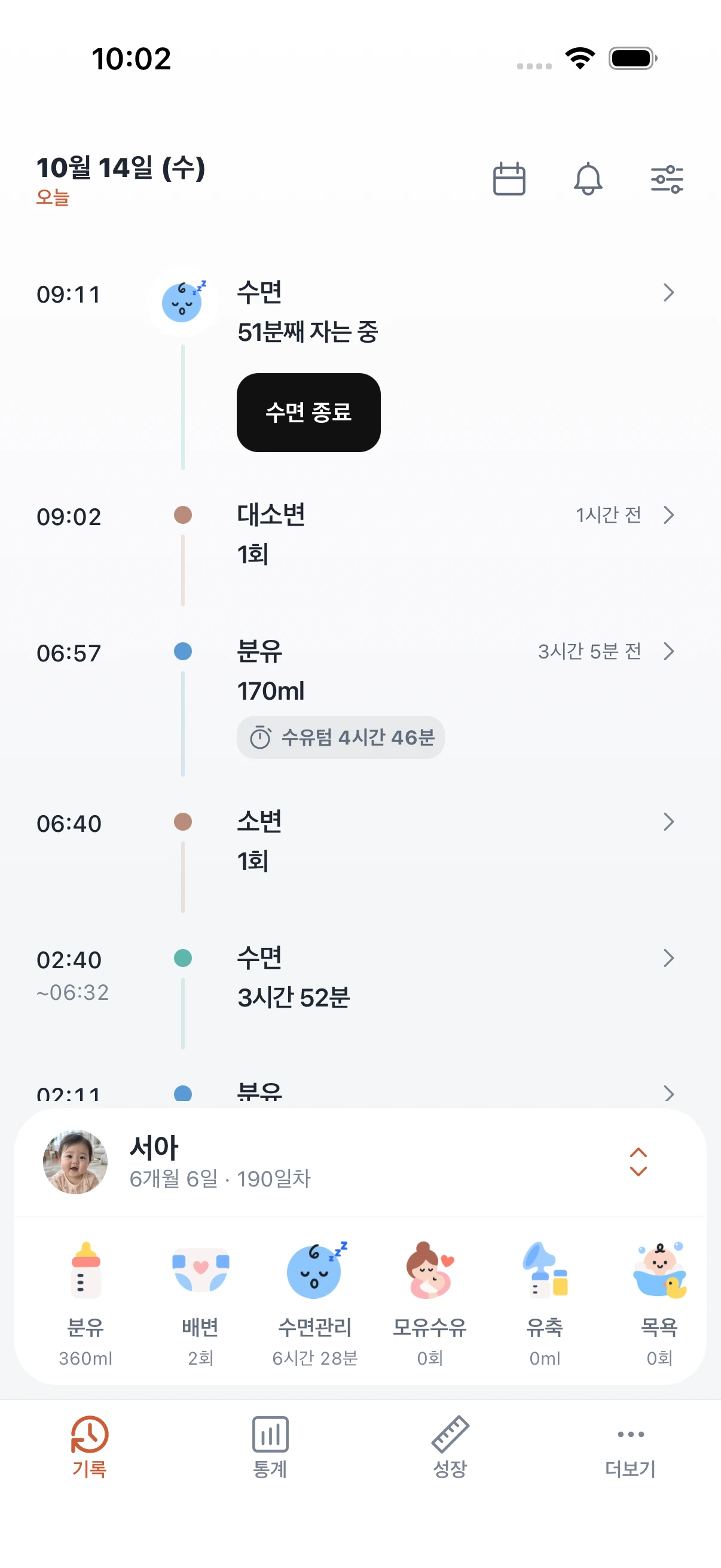

Add your child without an account and log the first entry right away.
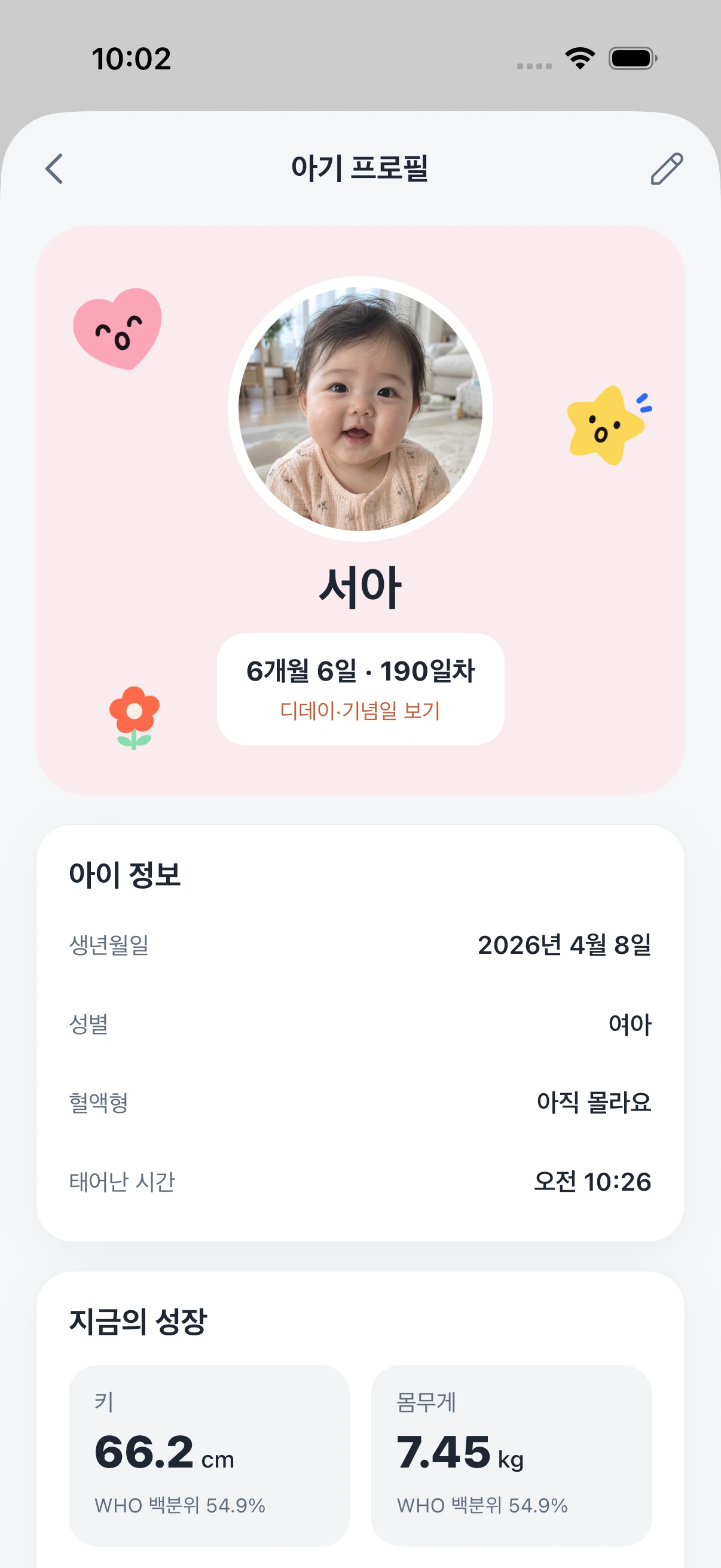
Age and day count come from the birthday; height and weight gather on the profile.
Switch between children and keep each one’s records separate.
From formula, nursing and pumping to solids and meals — log what fits your child’s age.
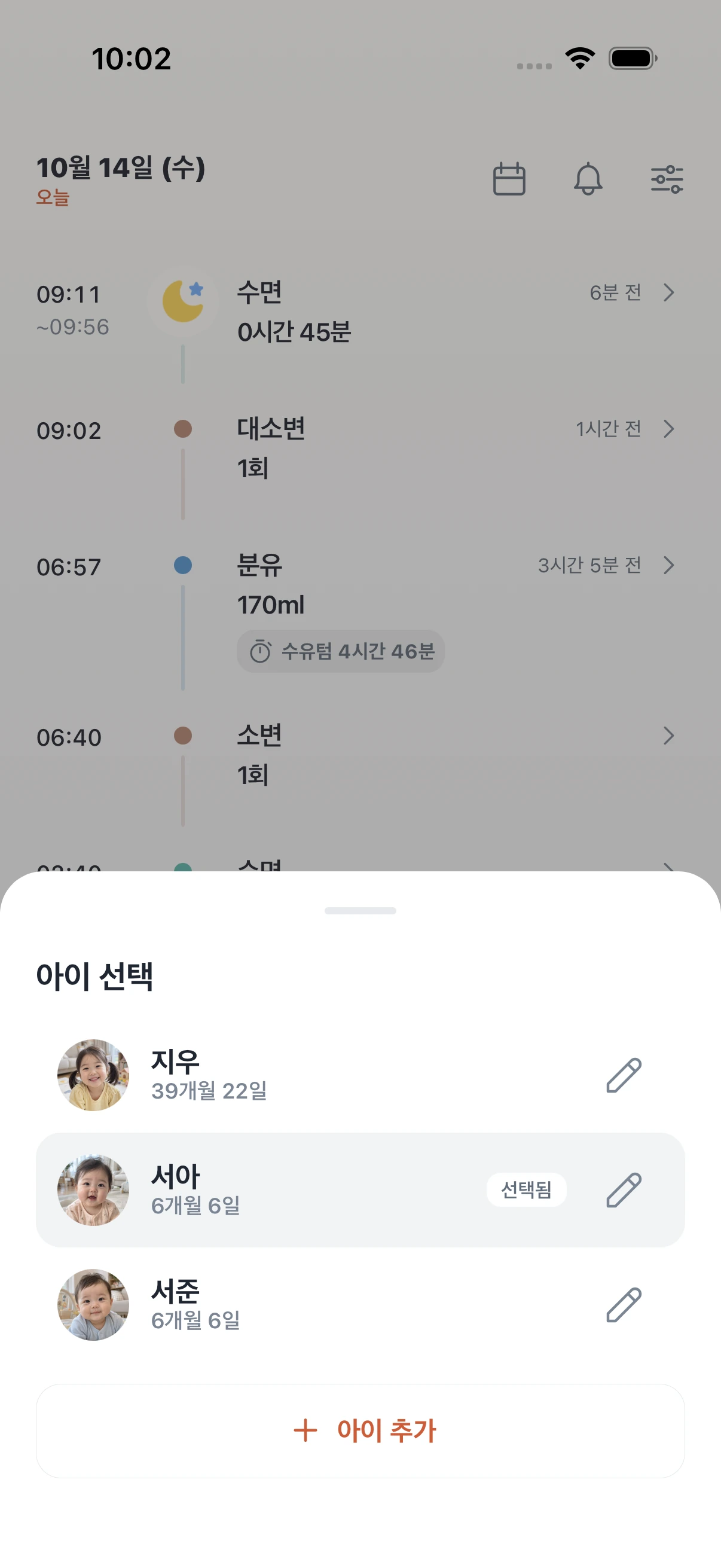
 Hajun1 moFormulaFeed intervals
 Jia3 moNursingPumpingSeoa6 moFormulaFirst solids
 Doyun10 moSolidsSnacks
 Jiwoo39 moMealsSleep
Insights
Compare your logs with the day before, recent days and the reference range for your child’s age.






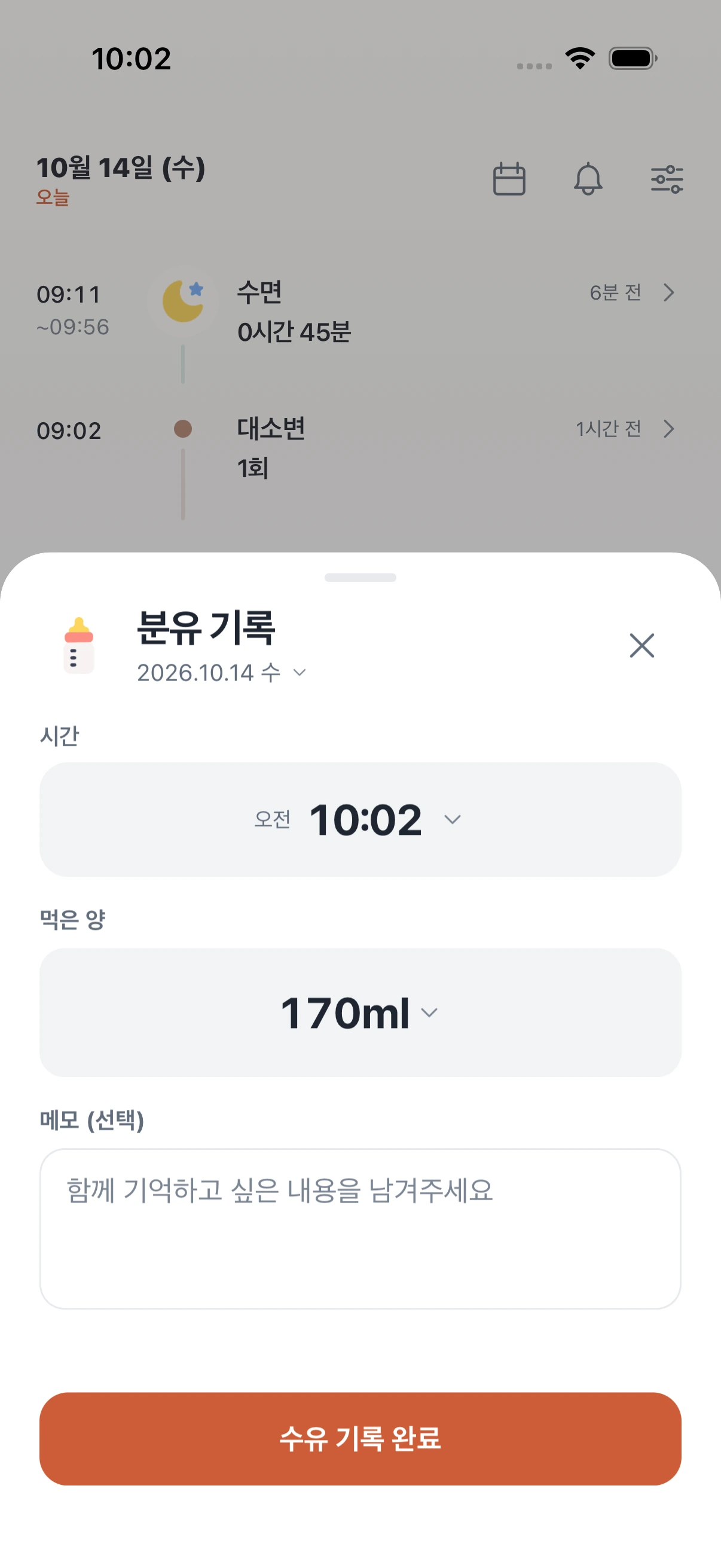
One hand is enough, even with your baby in your arms. Tap a usual amount and the time and amount are saved — straight onto today’s timeline.
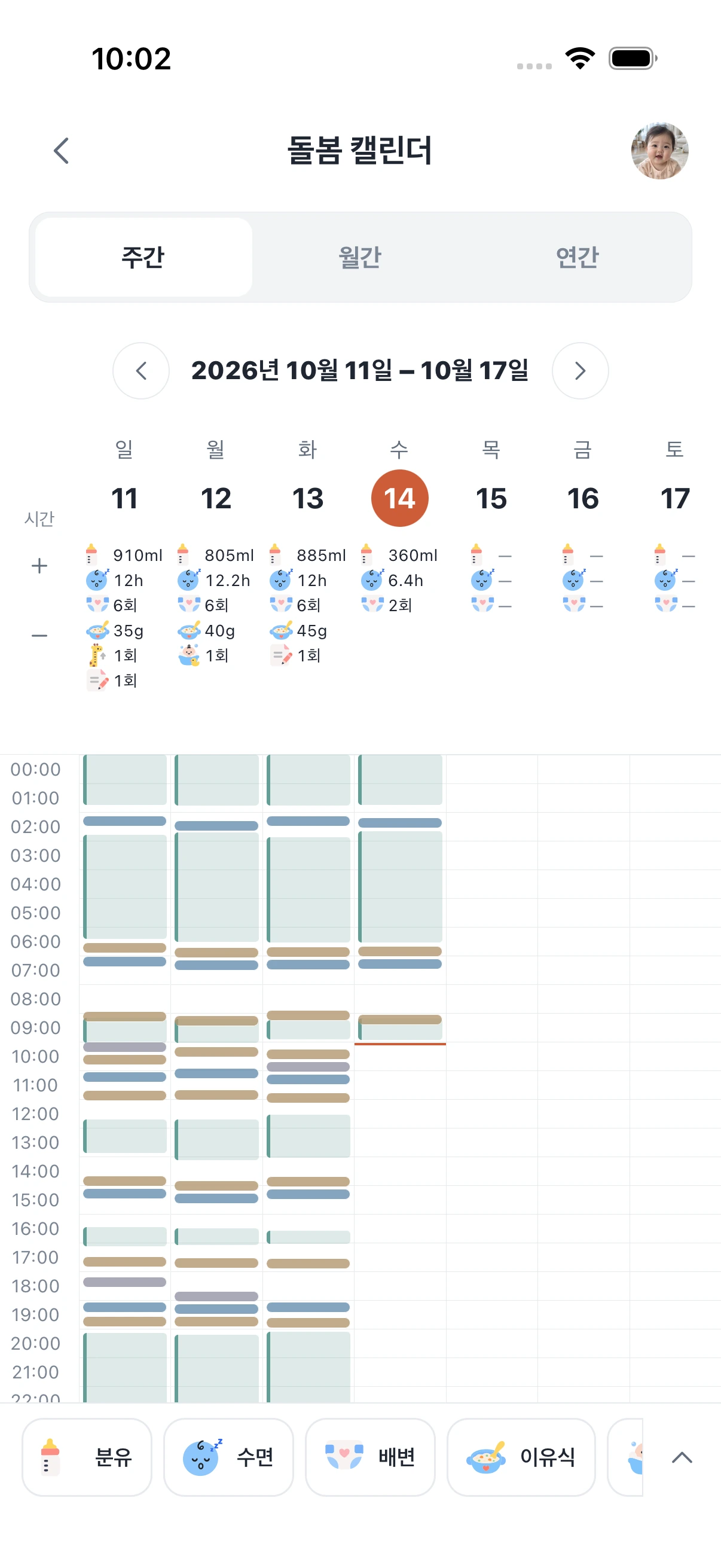
See the week’s rhythm at a glance. Feeds and sleep laid out hour by hour show your baby’s pattern these days.
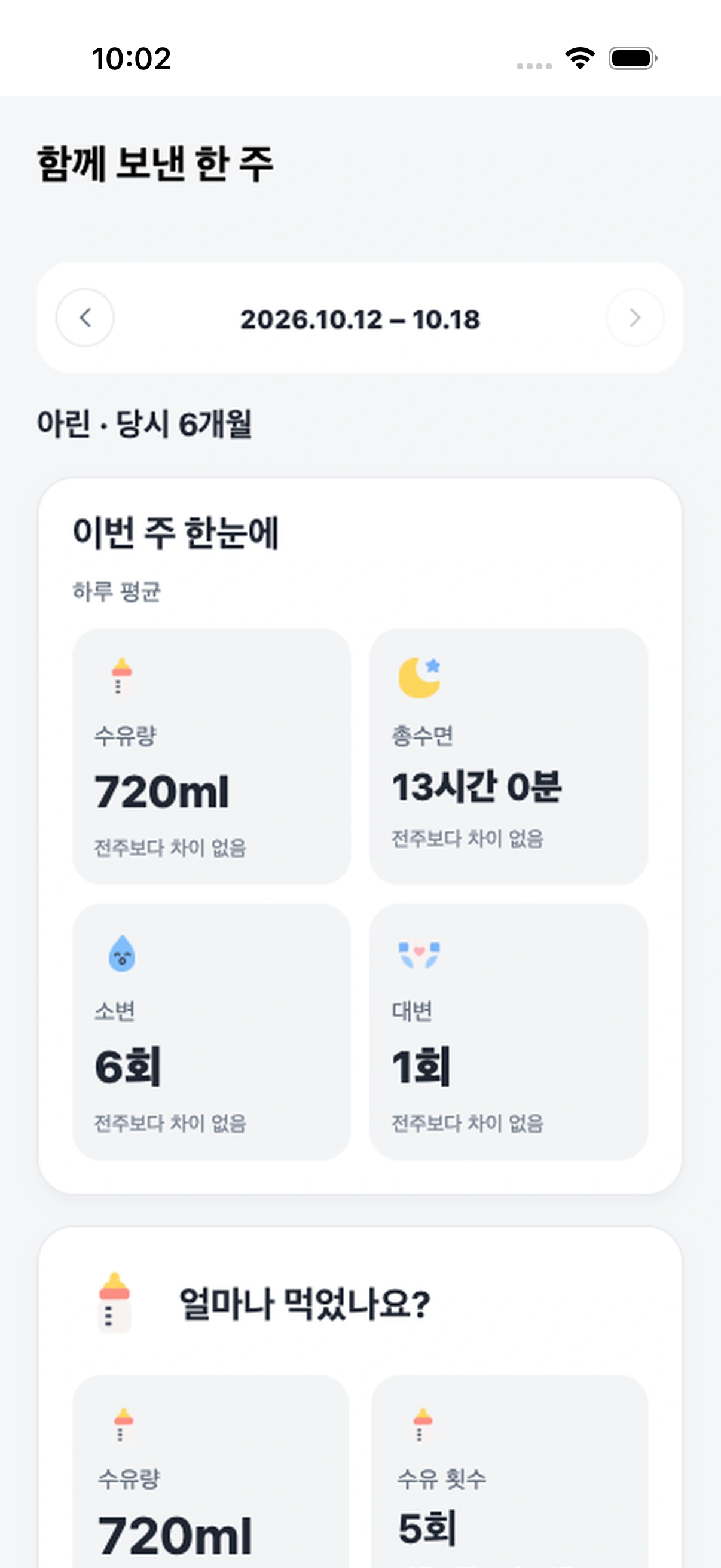
Get your week at a glance. How feeding and sleep changed compared to last week is clearly summarized in plain words.
Growth
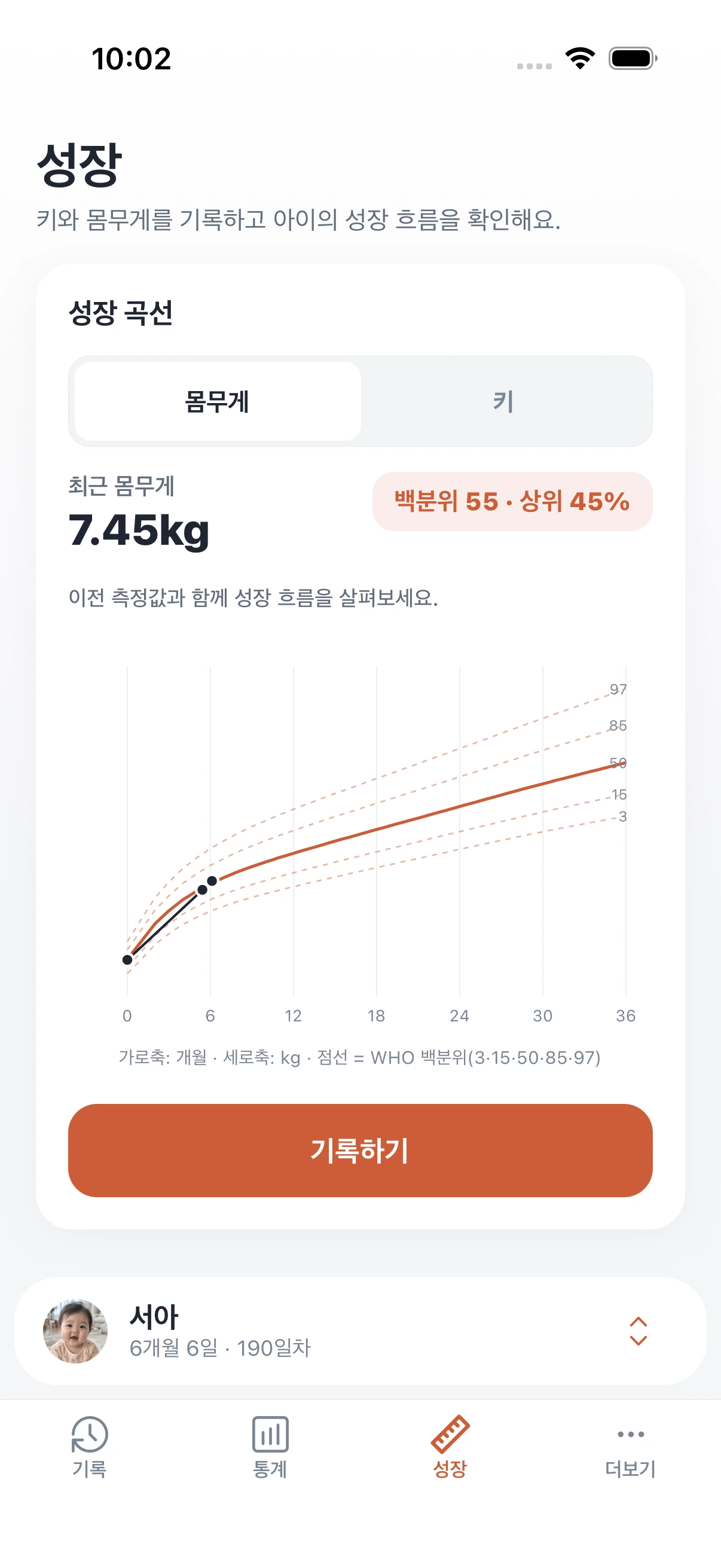
Log height and weight to see the current percentile against the WHO growth standards.
Little milestones
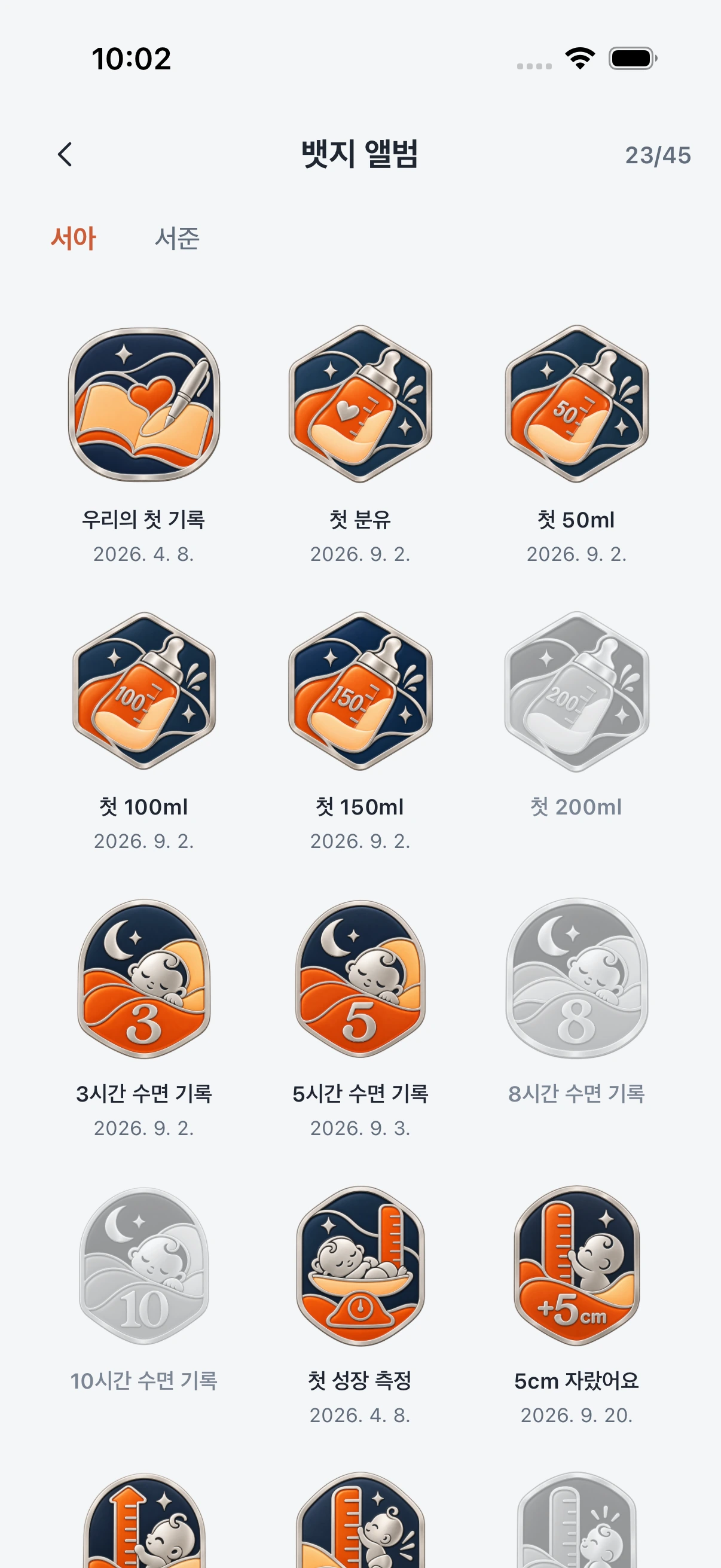
Log moments like first 150ml or first babble and they gather, dated, in each child’s album.
Invite your family,
care for the same child
With one invite link or code, mom, dad and caregivers connect with their own accounts.
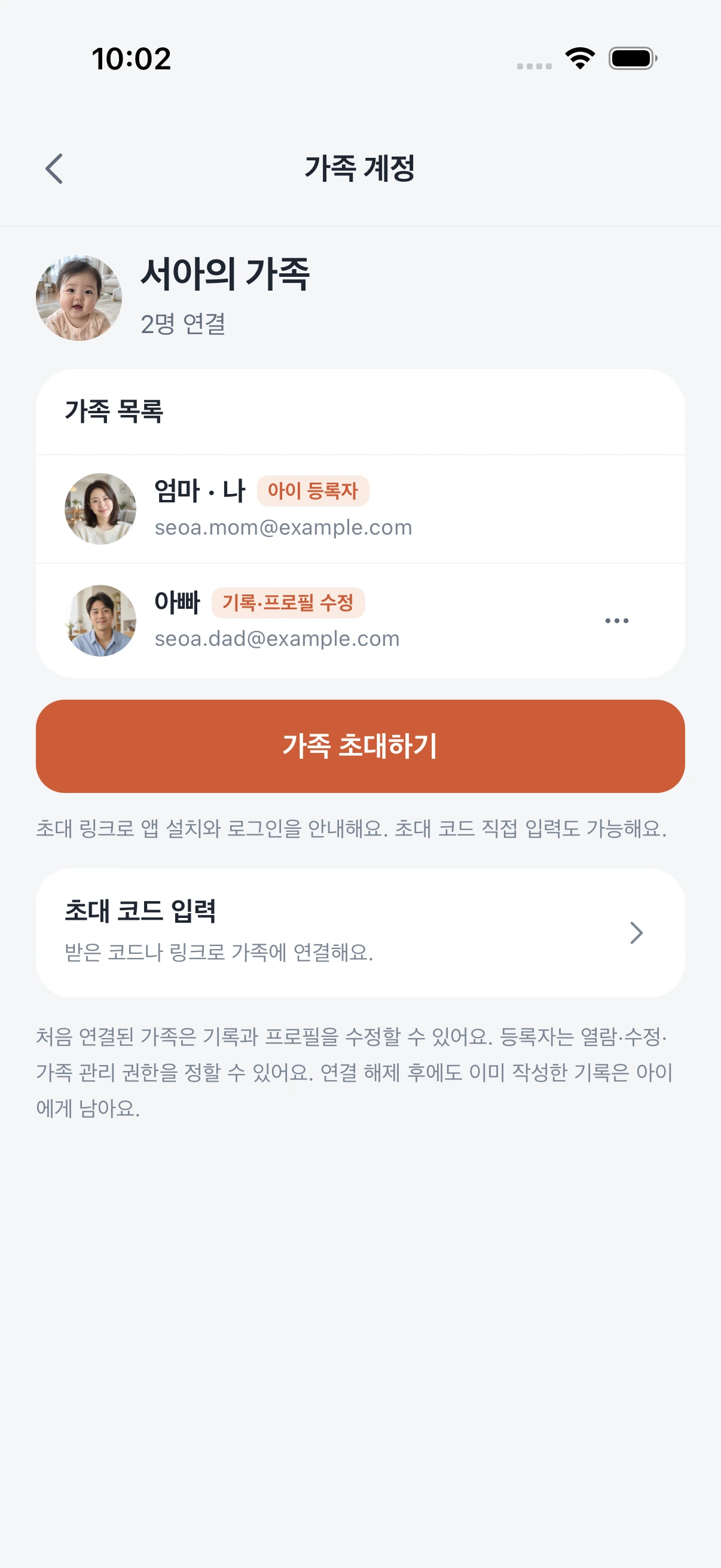


Caring together
Check the last feed and sleep together and keep care going between hand-offs.
iPhone widgets
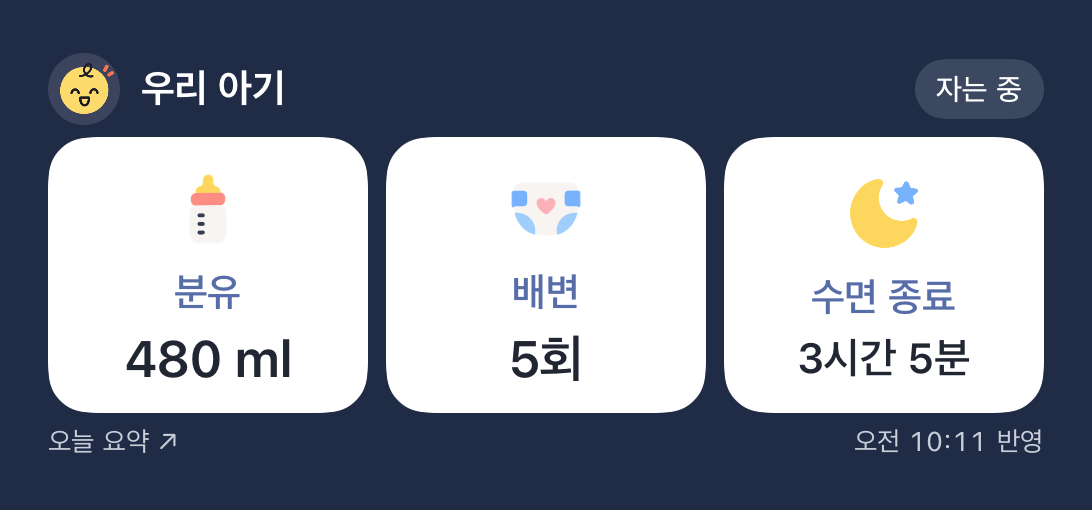
See today’s formula, diapers and sleep without opening the app.
Formula opens the entry sheet or saves a set amount;
diaper saves one poop right away.
Tap it and the widget switches to asleep with a deep navy look.
The widget turns light again and the nap is added to today’s sleep.



 OA
OA Calendar
 Photos
 Shortcuts
 Health
 Wallet
 Reminders
 Mail
Mail Podcasts
 News
News Weather
 Notes
Notes Translate
 App Store

 SeoaAwakeAsleep32:10Formula480 mlDiaper5Start sleepEnd sleep3 h 5 min4 h 35 min
Everyday tools
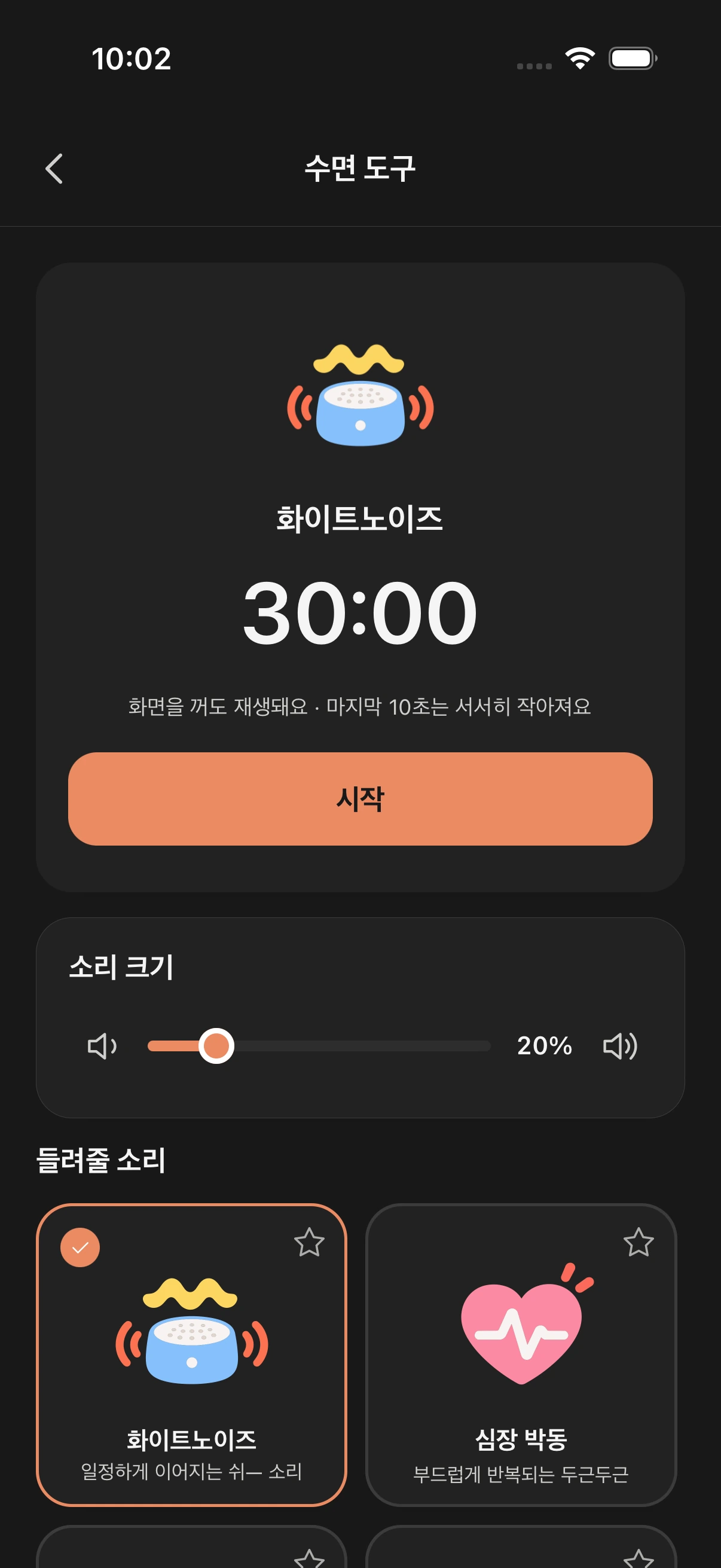
White noise, heartbeat or rain with a timer. The last 10 seconds fade out.
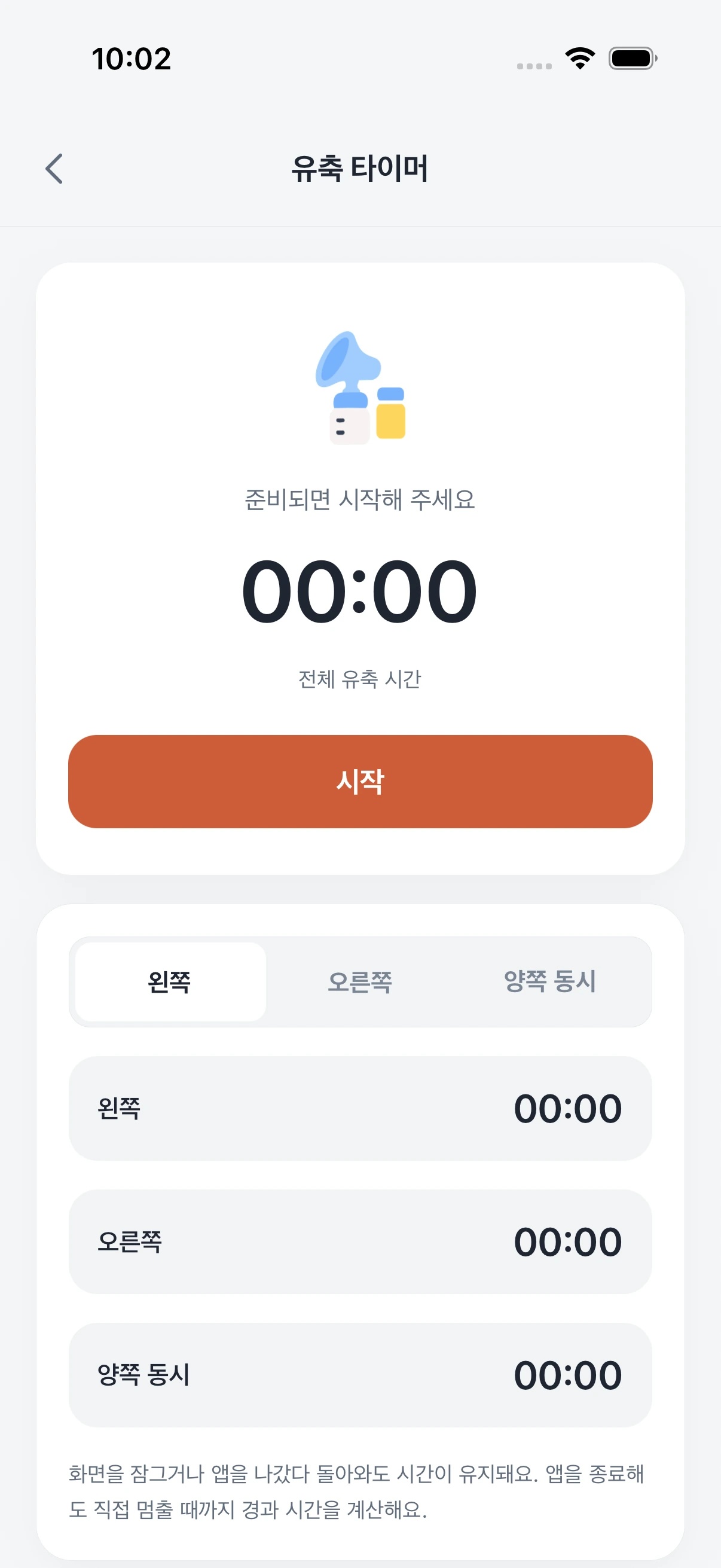
Time left, right and both sides separately, then log the amount yourself.
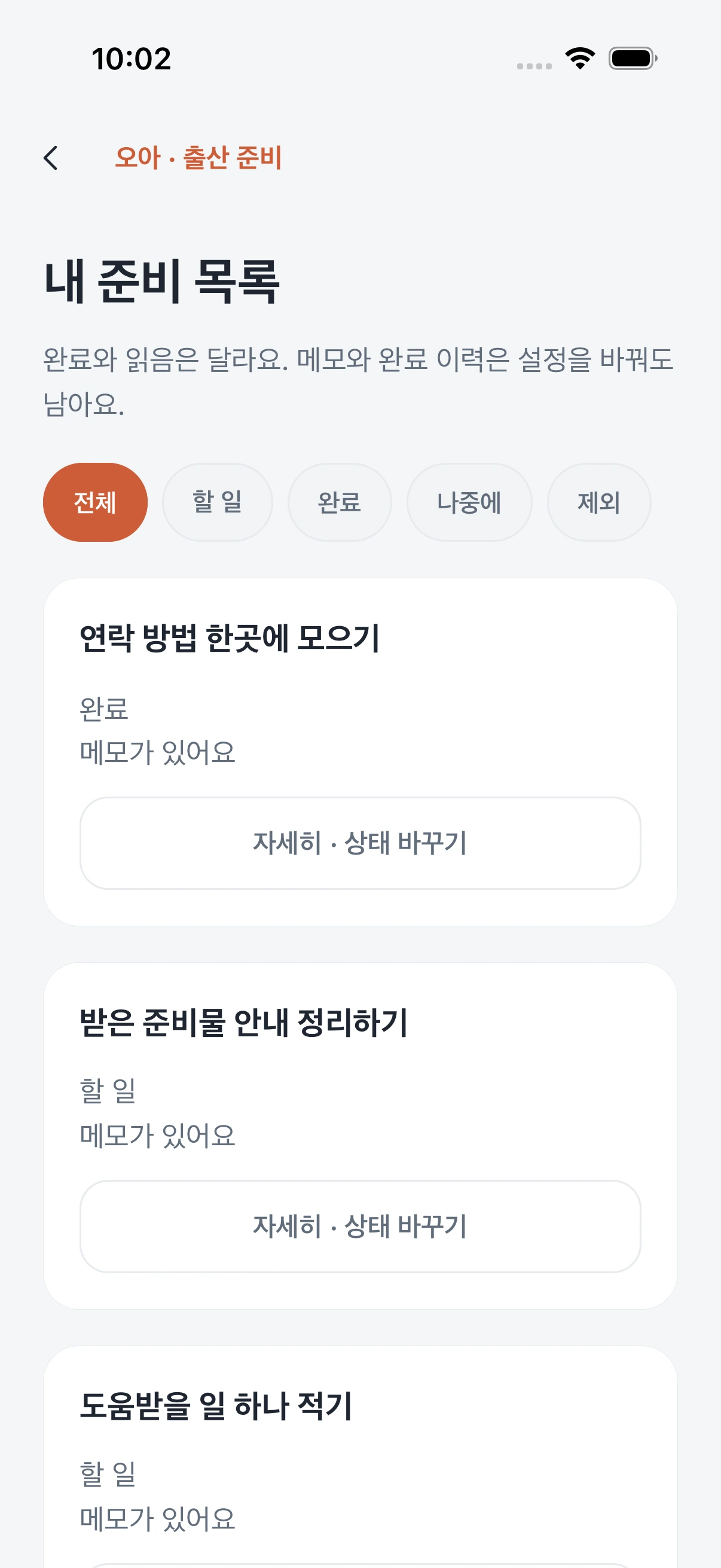
A due-date countdown and a list split into to-do, done and later.
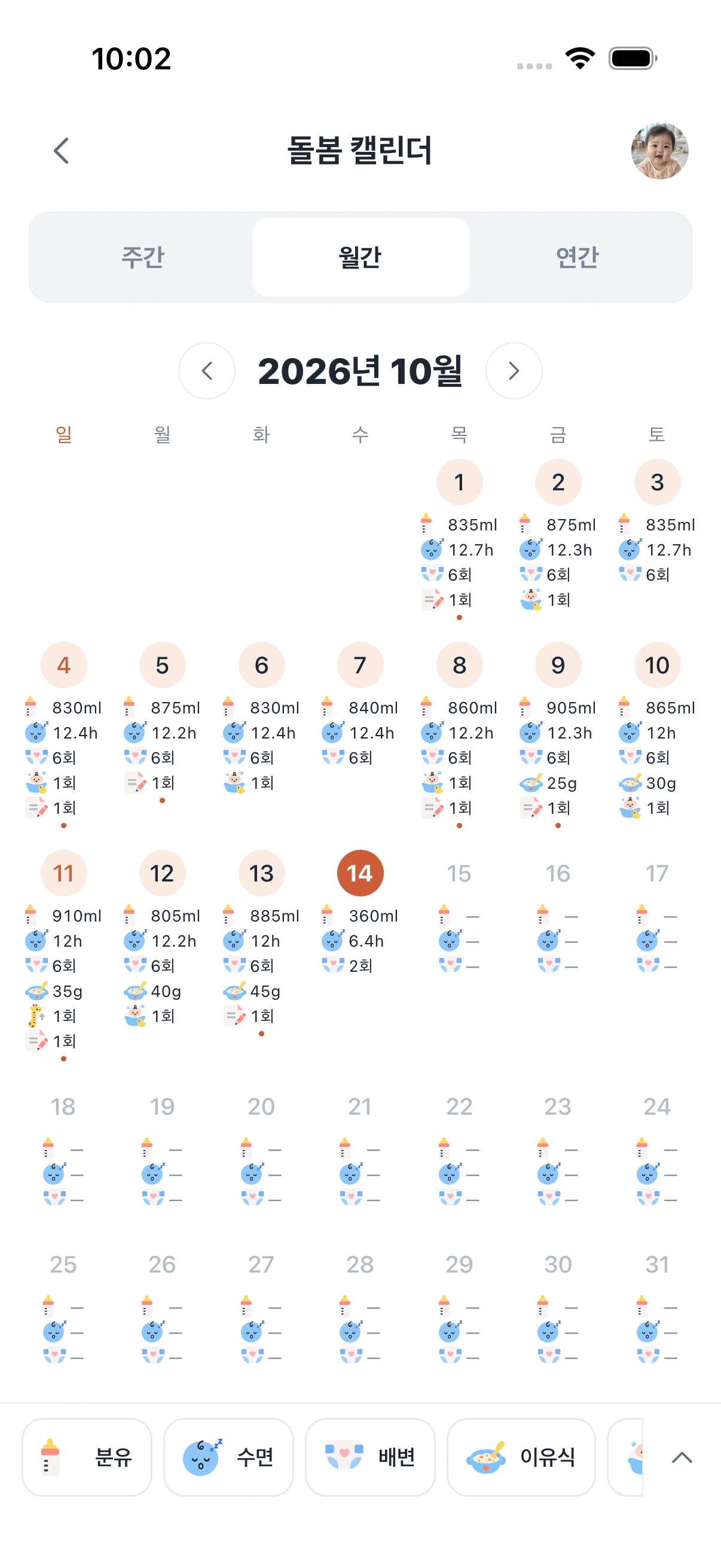
A monthly view of daily averages for feeds, sleep and diapers, plus each day’s log.
Before you install
Yes. You can start logging right away without signing in; records are saved on this device. Sign in with Google when you want backup or family sharing.
Each person signs in with Google, then joins with the invite link or code from the family member who added the child. If you just installed the app, open the invite link again afterwards to continue.
Home Screen widgets are available on iPhone. They show today’s summary and three log buttons that either save right away or open the entry sheet.
When signed in, your child’s profile and care records are backed up to your account. Original photos and device-only settings such as alerts and widgets stay on this device.
A reference window based on feeding intervals from the last 14 days. Please follow your baby’s hunger cues first.
Your first log needs no account.

 Nursing
 Pumping
 First solids
 Snacks



 Grew 15cm
 First 150ml
 First babble